

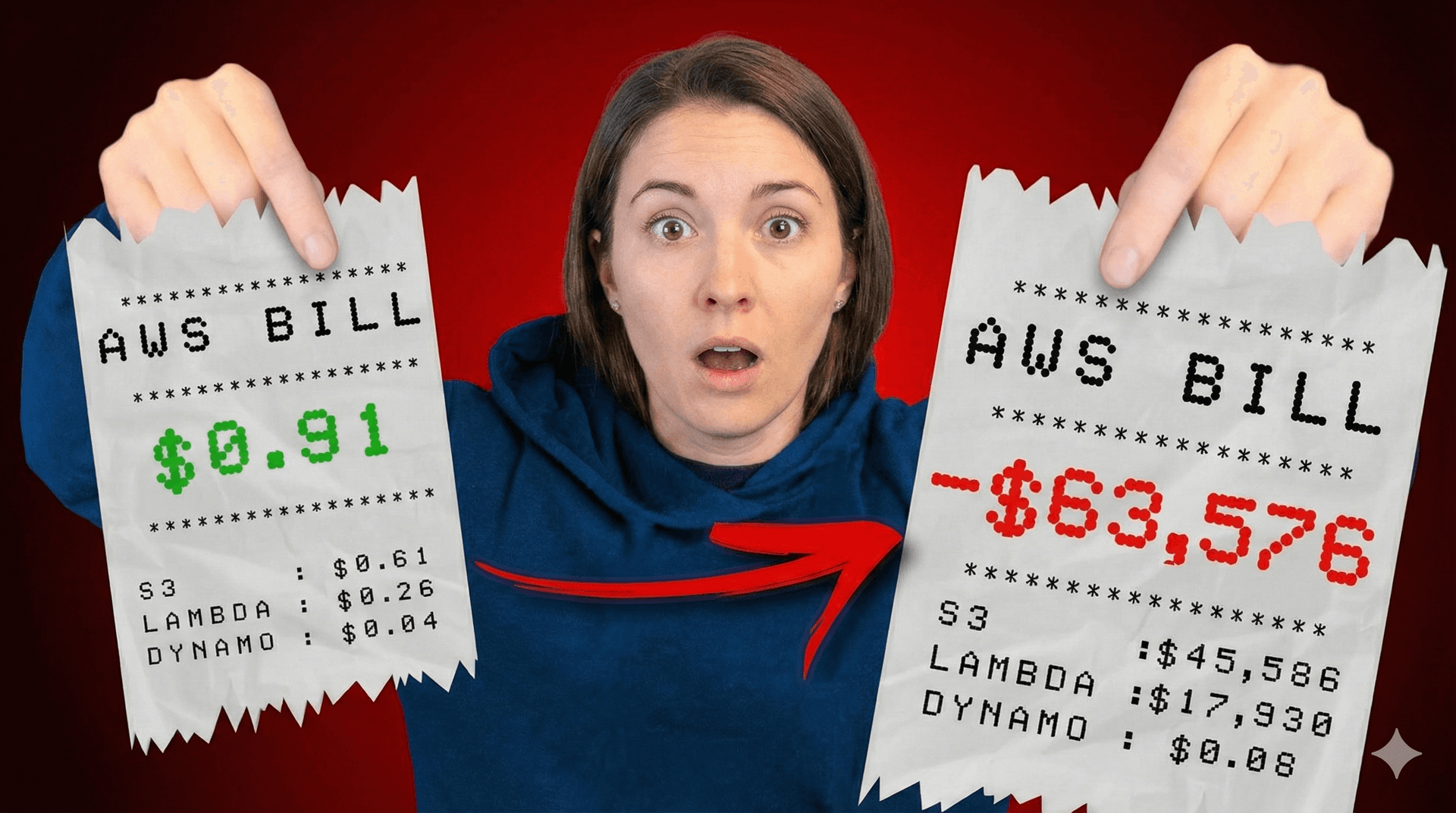
Your first AWS S3 bill arrives. You stored only 10GB, but the bill shows $450. Another startup stored a few logs expecting $20 and got $500 overnight.
Why? Because S3 pricing isn't "pay per GB." It includes storage, data transfer, API calls, retrieval fees, replication, lifecycle rules, and more. Miss one, and costs explode.
Understanding S3 is simple. Controlling its pricing isn't. A wrong storage class or misconfigured bucket can cause 5–10× overspending with no warning.
This guide breaks it down - storage classes, hidden cost traps, real examples, proven savings strategies, and a practical checklist.
Understanding AWS S3: Beyond Just Storage
S3 is AWS's object storage service-simple, scalable, and built for 11 nines durability. You store objects in buckets, not volumes, and pay only for what you use.
It became the industry standard because it handles many workloads well: media files, backups, logs, static sites, ML data, and big data lakes. For databases or low-latency shared storage, AWS services like RDS, EFS, EBS, or Redshift are better suited.
S3 sits at the center of the AWS ecosystem. EC2, Lambda, RDS, CloudFront, Athena, Glue, and many other services constantly read from or write to it. That's why understanding S3 pricing is critical-one misconfigured bucket can affect your entire architecture.
AWS offers a small free tier, useful for learning but easy to outgrow.
The S3 console makes it easy to upload files, manage buckets, set versioning, create lifecycle rules, and check costs. Once real workloads begin, you must track how much you store, how often it's accessed, and which services interact with it.
A big source of overspending is choosing the wrong storage class-keeping cold data in Standard or putting frequently accessed data in Glacier. With the basics covered, let's move to the pricing tiers and how to select the right one.
The 8 AWS S3 Storage Classes Explained: Pricing & When to Use Each
S3 pricing varies mainly based on which storage class you choose, how long you keep data, and how often you access it. Each class is optimized for specific behavior, which is why choosing incorrectly can multiply your bill by ten.
1. S3 Standard - $0.023/GB
S3 Standard is the default and most versatile class. It provides millisecond access speeds, high availability, and replication across multiple availability zones. There are no retrieval fees or minimum retention periods, making it ideal for frequently accessed data such as website assets, mobile app content, real-time analytics outputs, and user files.
A practical example: storing 100GB costs $2.30 per month, but downloading 500GB of that data to users costs about $45. A media company that stores 500GB of active video content typically pays around $56.50 per month combining storage and transfer.
2. S3 Intelligent-Tiering - Variable Pricing
Intelligent-Tiering automatically moves objects between tiers depending on access frequency. It starts at Standard pricing and can drop to Infrequent Access, Archive, or Deep Archive if the object is not accessed for 30, 90, or 180 days. There is a small monitoring fee per 1,000 objects. It's ideal for workloads where access patterns vary or are unpredictable-analytics datasets, logs, media libraries, or development environments.
Teams regularly see 40–50% cost reductions because unused data gradually shifts to cheaper tiers without manual intervention.
3. S3 Standard-IA - $0.0125/GB
Standard-IA (Infrequent Access) is designed for data that you still need quickly but don't access often. Retrievals cost extra, and AWS requires keeping objects for at least 30 days. Monthly backups or disaster recovery datasets often fit well here. Storing 500GB with an occasional 100GB retrieval adds up to around $7.25 per month.
4. S3 One Zone-IA - $0.01/GB
One Zone-IA stores your data in a single availability zone instead of multiple zones, which makes it cheaper but less resilient. If the zone fails, data may be lost. This class works for reproducible data such as test environment outputs or cached analytics. A 500GB dataset with periodic access costs roughly $6 per month.
5. S3 Glacier Instant Retrieval - $0.004/GB
Glacier Instant Retrieval is for long-term storage that still needs fast access. It retains millisecond retrievals but costs far less than Standard. There is a 90-day minimum and a small retrieval fee. Quarterly access archives or compliance snapshots usually fit here. Storing 500GB and retrieving 100GB occasionally costs about $3 per month.
6. S3 Glacier Flexible Retrieval - $0.0036/GB
Flexible Retrieval is cheaper than Instant Retrieval and suited for data accessed once or twice a year. Retrieval times vary from minutes to hours. Standard retrievals take around 3–5 hours and are usually free. Annual archive retrievals or legal-hold data often use this class. Storing 500GB costs around $1.80 monthly.
7. S3 Glacier Deep Archive - $0.00099/GB
Deep Archive is the cheapest storage class and intended for data you barely ever access. Retrievals can take 12 hours or more, and the minimum retention period is 180 days. It is ideal for long-term regulatory data, medical archives, and multi-year compliance storage. Keeping 500GB here costs only around 50 cents per month, which is more than twenty times cheaper than Standard.
8. S3 Express One Zone - $0.11/GB
Express One Zone is AWS's highest-performance S3 tier and recently received significant price cuts in April 2026. It offers sub-10ms latency, extremely high throughput (up to two million GET requests per second), and strong performance for ML pipelines, analytics engines, and trading workloads. Although pricier at 11 cents per GB, it is worth it if you need exceptional speed. Storing 100GB costs around $11 per month.
Storage Class Comparison Table
| Tier | Price/GB | Retrieval | Min Duration | Best For |
|---|---|---|---|---|
| Standard | $0.023 | Free | None | Frequent access |
| Intelligent-Tiering | Variable | Free | None | Unpredictable usage |
| Standard-IA | $0.0125 | Paid | 30 days | Monthly access |
| One Zone-IA | $0.01 | Paid | 30 days | Re-creatable data |
| Glacier Instant | $0.004 | Paid | 90 days | Quarterly access |
| Glacier Flexible | $0.0036 | Paid | 90 days | Yearly access |
| Glacier Deep | $0.00099 | Paid | 180 days | Multi-year archives |
| S3 Express | $0.11 | Free | None | Ultra-high performance |
Storage class selection is your strongest lever for controlling S3 cost. But the biggest surprises in AWS bills emerge from hidden costs outside storage itself.
Conclusion
AWS S3 is incredibly powerful and cost-effective-but only if you understand how its pricing works. Many teams treat S3 as simple "storage," yet the real bill depends on access patterns, request volume, data transfer, storage class choice, and object lifecycle. Ignore these, and a small bucket can become one of the biggest cost drivers in your AWS bill.
Once you understand the storage classes, hidden operational charges, and the difference between hot and archival data, S3 becomes predictable and inexpensive. With the right tiers, lifecycle rules, monitoring, and efficient data transfer patterns, you can cut costs by 5–10× without losing performance.
Mastering S3 pricing is essential for cloud cost control. Whether you're running a startup, scaling a SaaS product, or managing enterprise workloads, these principles help you avoid billing surprises and keep your architecture lean.
With the fundamentals and pricing model clear, the next step is simply to apply these practices, monitor usage, and let AWS automation keep costs optimized.
FAQ
1. Why does my S3 bill seem higher than my actual storage size?
Because S3 billing includes much more than storage. Your bill also includes:
- API requests (PUT, GET, LIST, COPY, DELETE)
- Data transferred out to the internet or other regions
- Lifecycle transition charges
- Retrieval fees (for IA or Glacier classes)
- Replication costs
- Storage of multiple versions (versioning)
- Metadata and small-object overhead
A bucket with 10GB of data can easily generate hundreds of thousands of GET requests or GBs of transfer, pushing the bill far above the "storage only" number.
2. Which S3 storage class is best for my workload?
It depends on access frequency:
- Access daily or hourly? → S3 Standard
- Access unpredictable? → Intelligent-Tiering
- Access monthly? → Standard-IA
- Can afford data loss? → One Zone-IA
- Quarterly access? → Glacier Instant Retrieval
- Yearly access? → Glacier Flexible Retrieval
- Almost never accessed? → Glacier Deep Archive
- Extreme low latency needed? → S3 Express One Zone
If you're unsure or data patterns change frequently, Intelligent-Tiering is the safest choice.
3. Why did I get charged retrieval fees?
Retrieval fees occur when you store data in classes designed for infrequent access (IA, Glacier). Every time you download objects from these classes, AWS charges you per GB. If you frequently access data stored in these classes, switching back to Standard or Intelligent-Tiering may cost less overall.
4. How do I avoid expensive data transfer charges?
Data transfer out of AWS is often the most expensive part of S3. To reduce this:
- Use CloudFront CDN to cache static content.
- Serve content within the same region when possible.
- Avoid cross-region replication unless necessary.
- Compress files before upload.
- Keep EC2 and S3 in the same region to avoid inter-region transfer.
Most companies see 30–70% transfer savings using CloudFront.
5. Does enabling versioning increase my bill?
Yes. Versioning stores every version of an object indefinitely. Deleting a file doesn't delete its earlier versions. Many teams accidentally triple their bill because of old versions. Set lifecycle rules to:
- Delete old versions
- Move non-current versions to IA or Glacier
This keeps versioned buckets under control.
6. Is S3 Intelligent-Tiering worth it?
Almost always, yes. It automatically moves objects to the cheapest possible tier based on usage, and the monitoring fee is extremely small (fractions of a cent for typical workloads). If you don't know your access pattern or you have thousands of mixed-use objects, Intelligent-Tiering can easily save 40–50%.
7. When should I NOT use Glacier?
Avoid Glacier (any Glacier tier) when:
- You need fast access
- You access data weekly or monthly
- You need immediate retrieval during incidents
- You store many small objects (which may incur minimum storage fees)
Glacier is only cheaper when objects sit untouched for months.
8. How does S3 calculate minimum storage duration?
Several tiers require a minimum number of billable days, even if you delete the file sooner. Examples:
- Standard-IA → 30 days
- One Zone-IA → 30 days
- Glacier Instant → 90 days
- Glacier Flexible → 90 days
- Glacier Deep Archive → 180 days
If you upload and delete objects too quickly, AWS still charges for the full minimum duration.
9. How do I automatically reduce S3 costs?
Use Lifecycle Rules, which can automatically:
- Move old objects to IA or Glacier
- Delete unused data
- Clean up multipart uploads
- Reduce versioning storage
Most teams save 60–80% with just 3–4 lifecycle rules. Turning them on is one of the easiest cost optimizations in AWS.
10. What's the simplest way to estimate my S3 bill accurately?
Follow this formula:
- Storage cost = total GB × price per tier
- Request cost = # of GET/PUT requests × per-1,000 request price
- Data transfer cost = GB transferred × $0.09 (avg to internet)
- Retrieval cost (if IA/Glacier) = GB retrieved × retrieval price
- Lifecycle cost (rare but possible)
- Replication & logging (if enabled)
AWS Cost Explorer and the S3 analytics dashboard provide exact numbers. The more you access or move data, the higher the bill becomes.